終了処理(Windows)
体験が終わったら、コンテナの停止と USB のデタッチを行います。 これにより、MRTKLIB と Web UI を動かしていたコンテナが停止し、ポートが解放されます。 また、受信機の制御が Windows 側に戻り RxControl などで再び使えるようになります。
stop.bat の実行
scripts/windows/stop.bat をダブルクリックして実行します。
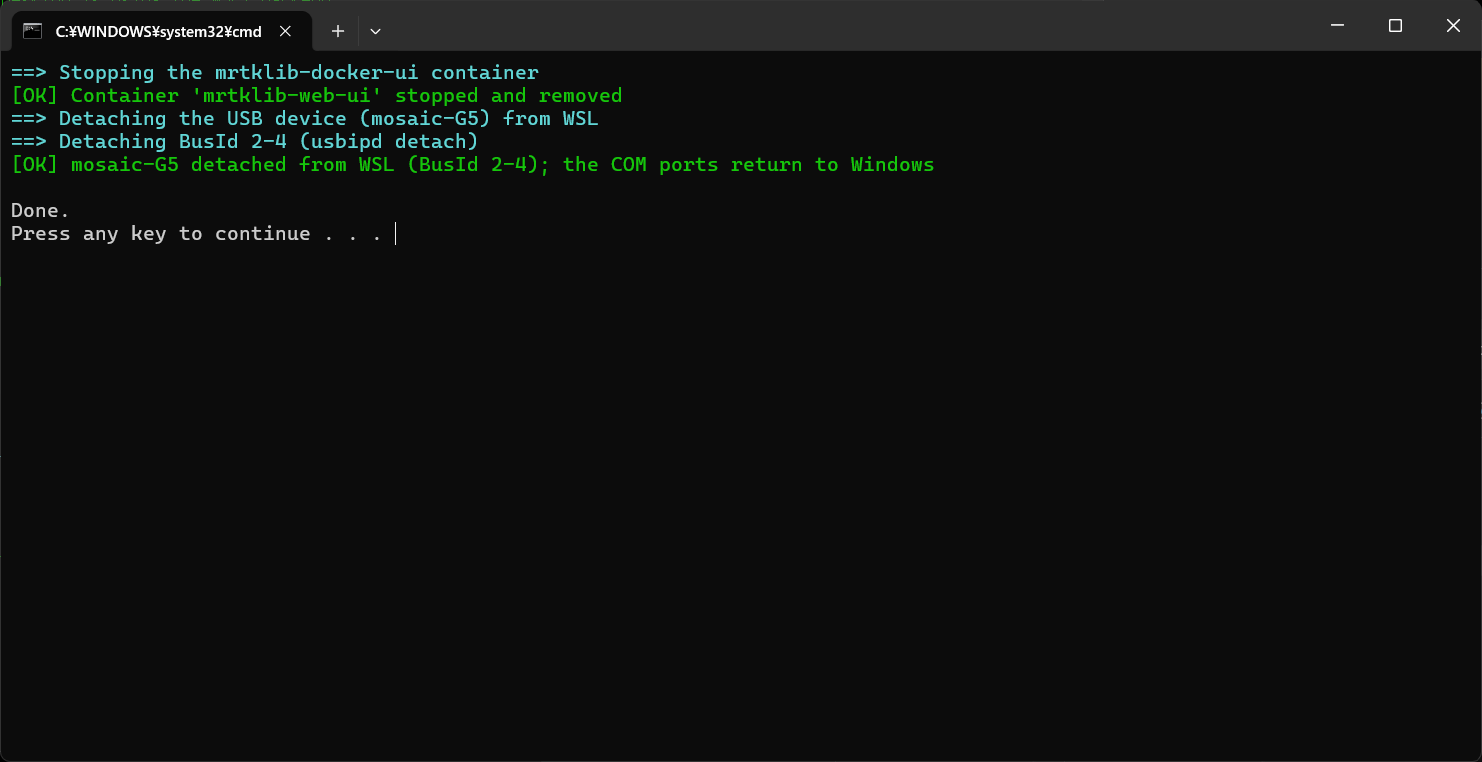
start.bat とは逆に、次の処理を行います。
- コンテナの停止:
mrtklib-docker-uiのコンテナを停止・削除します。 - USB のデタッチ: WSL にアタッチしていた受信機を Windows 側へ戻します。
実行すると、以下のように [OK] が表示されれば完了です。
PowerShell
==> Stopping the mrtklib-docker-ui container
[OK] Container 'mrtklib-web-ui' stopped and removed
==> Detaching the USB device (mosaic-G5) from WSL
==> Detaching BusId 1-4 (usbipd detach)
[OK] mosaic-G5 detached from WSL (BusId 1-4); the COM ports return to Windows
ノート
stop.bat は管理者権限を必要としません。 Docker Desktop と WSL は起動したままなので、次回もそのまま start.bat を実行できます。
以上にて、終了処理は完了です。
手動で行う場合
stop.bat を使わず、手動で片付けることもできます。
コンテナの停止
Docker Desktop を開き、Containers から mrtklib-web-ui を停止(Stop)・削除(Delete)します。
USB のデタッチ
scripts\windows\detach.bat を実行すると、受信機の制御が Windows 側へ戻ります。
ノート
Docker Desktop や WSL 自体を終了したい場合は、Docker Desktop のメニューから Quit Docker Desktop を選びます。